Understanding TradingView's Comprehensive Features
In the dynamic world of trading, having the right tools and resources at your fingertips can significantly enhance your ability to make informed decisions. TradingView emerges as a powerful platform that consolidates various functionalities necessary for tracking and analyzing market movements. With features that cater to stocks, forex, cryptocurrencies, and derivatives, it offers a one-stop shop for traders seeking to simplify their research processes. Whether you're using it for real-time data analysis or to backtest trading strategies, TradingView has become an essential tool for both novice and experienced traders alike.
Key Tools for Market Analysis
TradingView provides an extensive array of analytical tools that empower traders to assess market conditions effectively. Users can access advanced charting tools that allow for multi-timeframe analysis. This capability enables traders to view various price movements across different time intervals, aiding in more accurate predictions and strategy development. Additionally, the platform's integration of technical indicators, such as moving averages, RSI, and MACD, equips analysts with essential insights into market trends.
Setting Up Your Trading Environment
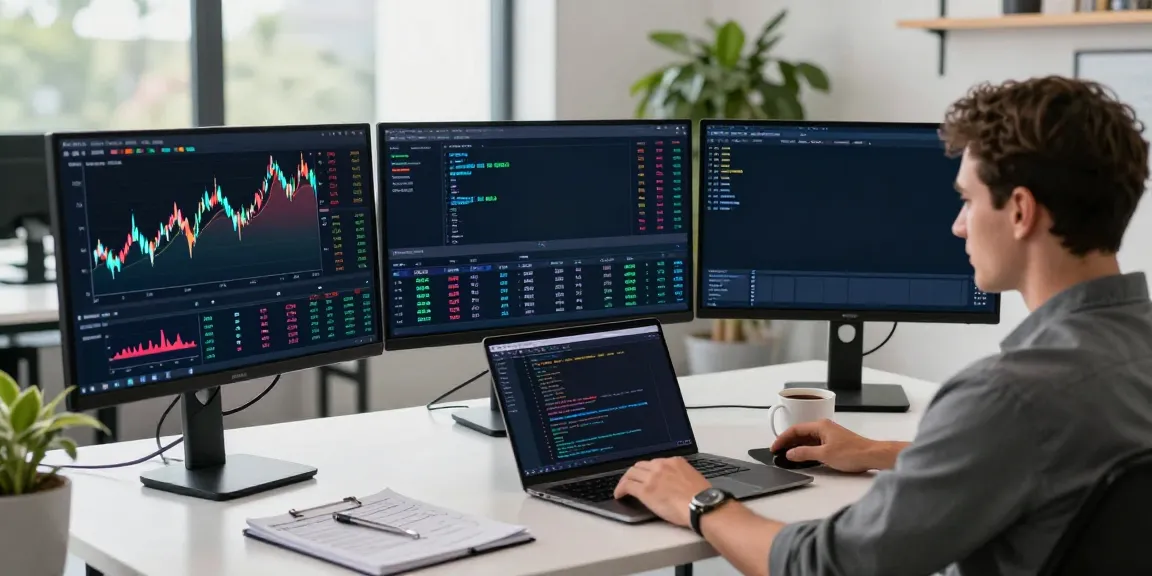
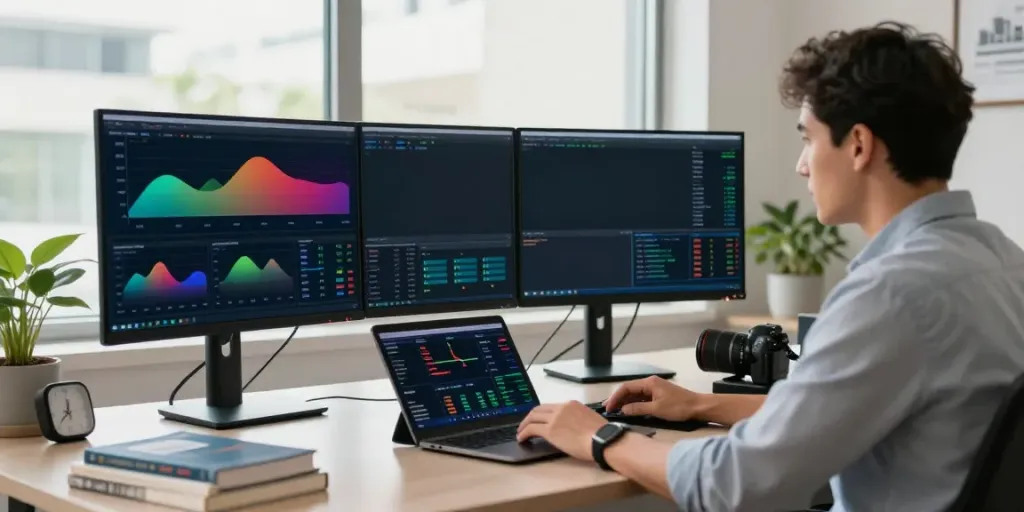
Creating an optimized trading environment on TradingView is essential for enhancing your trading experience. Users can customize their dashboards using multiple layout options, accommodating various asset classes and trading styles. This includes the ability to utilize Supercharts, which offer enhanced visualization of complex data sets. Furthermore, the platform facilitates the arrangement of multiple monitors, allowing traders to keep track of various markets simultaneously.
Customizing Alerts and Notifications
The importance of timely notifications in trading cannot be overstated. TradingView enables users to set up custom alerts based on specific market conditions or technical indicators. These alerts can be delivered via email or through the mobile app, ensuring that traders are always updated on significant market movements. By implementing such features, traders can react swiftly to changes, enhancing their potential for profit.
Building Your Trading Strategies with TradingView
To succeed in the competitive landscape of trading, it is crucial to develop robust trading strategies. TradingView offers tools that facilitate the creation and testing of these strategies through a systematic approach.
Developing Rules and Conditions for Trading
A well-defined trading strategy begins with clear rules and conditions. Traders can utilize TradingView's built-in tools to set parameters based on their risk tolerance and market analysis. This process includes defining entry and exit points, stop-loss thresholds, and profit targets, which lay the groundwork for a disciplined trading approach.
Utilizing Pine Script for Custom Indicators
The platform's Pine Script language allows users to create custom indicators tailored to their specific trading needs. This scripting capability enables traders to automate certain functions, enhancing efficiency while maintaining flexibility. By using Pine Script, traders can develop unique strategies that incorporate personal trading philosophies.
Backtesting Strategies Using Historical Data
Before committing to a live trading environment, backtesting is a crucial step in validating trading strategies. TradingView provides a comprehensive Strategy Tester feature, allowing users to simulate trades based on historical data. This capability facilitates the assessment of a strategy's performance over time, enabling informed decisions regarding its viability in current market conditions.
Optimizing Your Trading Workflow
In trading, efficiency is key. Optimizing your workflow can save time and enhance your decision-making process. TradingView's comprehensive features are designed to streamline your trading activities, allowing for a more effective research and trading process.
Creating Effective Watchlists
Watchlists are an essential tool for active traders. They enable users to monitor selected stocks or assets without sifting through extensive lists of options. TradingView allows you to create customized watchlists that can be easily updated, ensuring that you stay on top of the assets that matter most to your trading strategy.
Integrating Social Features for Insights
One of TradingView's standout features is its social networking component, which allows traders to share insights, strategies, and analyses with one another. This community-oriented approach fosters collaboration and knowledge sharing, making it easier to discover new trading opportunities and refine existing strategies.
Documenting Your Trading Journey
Tracking your trading decisions and their outcomes is vital for long-term success. TradingView provides tools for documenting trades, including entry and exit points, as well as the rationale behind each trade. This documentation not only helps in reviewing past trades but also aids in refining strategies as traders learn from their experiences.
Exploring Advanced Charting Techniques
Advanced charting techniques are essential for interpreting market data effectively. TradingView equips traders with the necessary tools to analyze price movements and identify potential trading opportunities.
Analyzing Candlestick Patterns
Candlestick patterns are a foundational aspect of technical analysis. Traders can utilize TradingView's charting tools to identify and analyze these patterns, which often signify potential market movements. Understanding candlestick formations can provide traders with insights into market sentiment and potential reversals.
Using Multi-Timeframe Analysis
Multi-timeframe analysis is critical in understanding market dynamics. TradingView enables users to assess price action across different timeframes seamlessly. This feature allows traders to identify trends and reversal points more accurately, enhancing their overall strategy development.
Implementing Technical Indicators and Overlays
Technical indicators and overlays are instrumental in refining trading strategies. TradingView offers a plethora of indicators that traders can overlay on their charts. This includes oscillators, trend lines, and volume-based indicators, which together provide a more comprehensive view of market conditions.
Future Trends in Trading Technology
The trading landscape is constantly evolving, and it's essential for traders to stay ahead of emerging trends. As technology continues to advance, TradingView remains at the forefront, adapting to these changes to offer enhanced trading experiences.
Emerging Tools and Features in TradingView
As of 2026, TradingView is expected to introduce new analytical tools and features designed to provide deeper insights into market trends. These innovations will aim to simplify the user experience while enhancing the platform's analytical capabilities, ensuring that traders can make informed decisions quickly and efficiently.
The Growing Role of AI in Trading
Artificial Intelligence (AI) is revolutionizing the trading industry, enabling more sophisticated analysis and decision-making processes. TradingView is likely to integrate AI-driven tools that personalize trading experiences based on individual trading behaviors and strategies, optimizing outcomes and improving overall success rates.
Preparing for Market Changes in 2026 and Beyond
Market conditions are always subject to change due to economic, political, and social influences. Traders using TradingView must remain vigilant in adapting their strategies to these shifts. By utilizing the platform's extensive resources and community insights, traders can prepare themselves for future market fluctuations and capitalize on opportunities as they arise.
Can I use TradingView for Free?
Yes, TradingView offers a free tier that allows users to access basic features and functionalities. However, for more advanced tools and capabilities, a subscription may be necessary. The free tier is ideal for beginners looking to explore the platform without financial commitment.
How Do I Set Up Alerts on TradingView?
Setting up alerts on TradingView is a straightforward process. Users can define the conditions for alerts based on specific indicators or price thresholds. Once configured, these alerts can notify you via email or app notifications, ensuring that you never miss a critical market movement.
What Makes TradingView Different from Other Platforms?
TradingView distinguishes itself through its comprehensive toolset, user-friendly interface, and vibrant community. Unlike many platforms, which may focus solely on charting or trading, TradingView integrates various functionalities, from social networking to extensive analysis tools, all in one place.
How Can I Improve My Trading Strategy?
Improving a trading strategy requires continuous learning and adaptation. Utilizing TradingView's backtesting capabilities, community insights, and real-time data can significantly enhance your strategy. Regularly documenting and reviewing your trades will also enable you to identify patterns and areas for improvement.
Is TradingView Suitable for Beginners?
Yes, TradingView is highly suitable for beginners. Its user-friendly interface and wealth of educational resources make it accessible for those new to trading. The platform provides a supportive community and various tools designed to facilitate the learning process, making it a great starting point for aspiring traders.